
Dismiss a SwiftUI sheet on macOS
How to dismiss a SwiftUI View presented as a sheet with AppKit on macOS

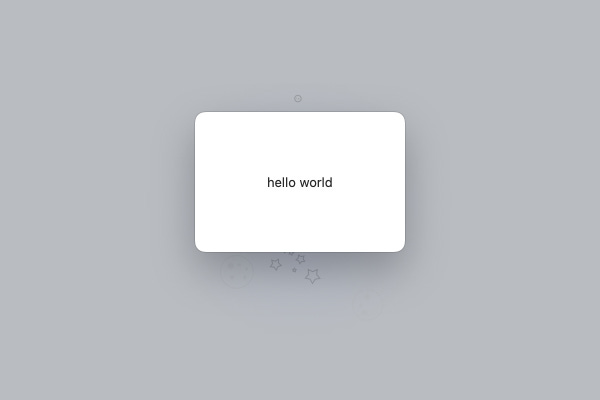
When combining SwiftUI and AppKit you will probably want to participate in the responder chain provided by NSResponder on macOS.
onCommand(_:perform:) view modifier allows us to listen for a Selector and perform an action. In theory, we should be able to use the full power of NSReponder with this, however, depending on the content of your View, you may or may not receive those events, for instance TextField receives them while Toggle doesn’t, not even after applying focusable(_:) modifier; which makes this solution not reliable at all, especially considering that you might change the View without realising that it will break your responder chain.
This is even more noticeable when presenting a View as a sheet, for sheets are modal, and there will be no way for the user to dismiss it and continue using your app.
An alternative is to subclass NSHostingController and listen to events with AppKit.
Example
SwiftUI View
struct MyView: View {
    var body: some View {
        Text("hello world")
    }
}
Subclassing NSHostingController
In this example MyController is listening to cancelOperation(_:) to dismiss itself. This event will be fired, for example, when the user presses ⎋ (Escape key).
class MyController<V>: NSHostingController<V> where V : View {
    override func cancelOperation(_ sender: Any?) {
        presentingViewController?.dismiss(self)
    }
}
Presenting as sheet
guard let parent = window?.contentViewController else { return }
parent.presentAsSheet(MyController(rootView: MyView()))
With this approach, it is also possible to listen to other key and mouse events.